
Defining LinkedIn headshots: your 2026 guide
- Jeff Borchert
- May 28
- 9 min read
TL;DR:
A professional LinkedIn headshot significantly increases profile views and connection requests by conveying trust and credibility.
Technical standards, authentic appearance, and strategic composition are essential for creating an effective, visually appealing profile image.
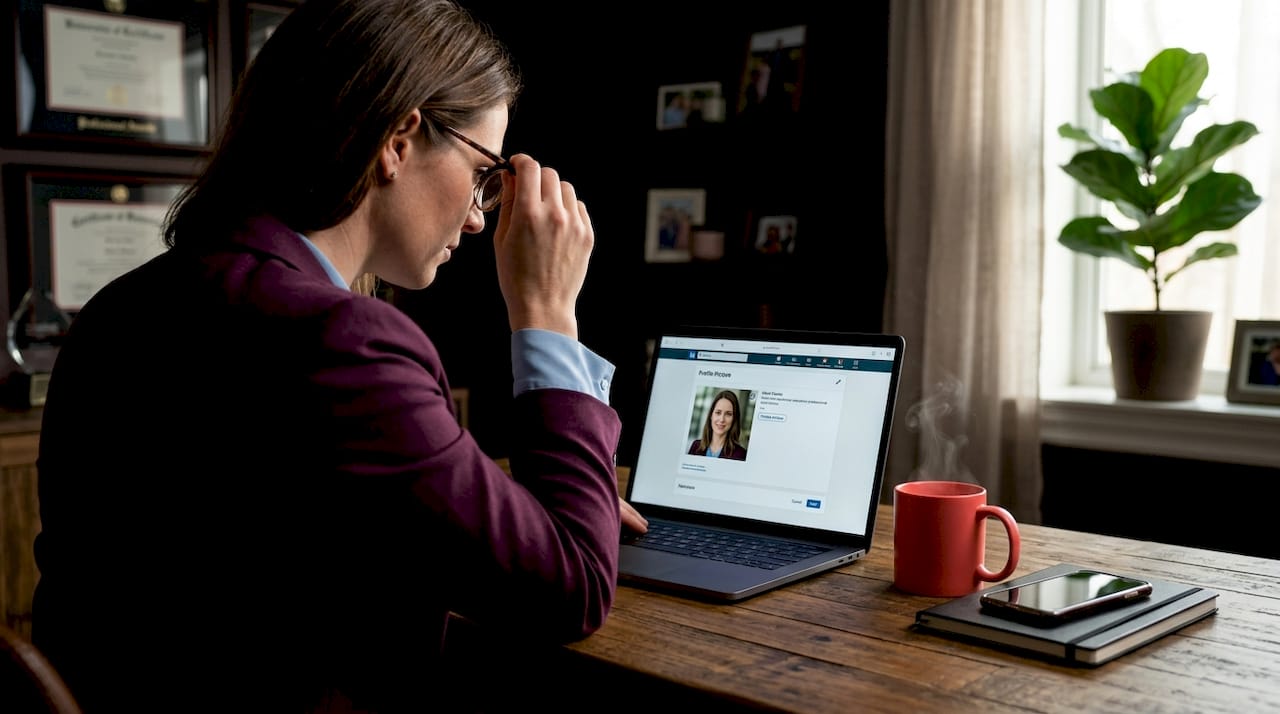
Your LinkedIn profile photo is doing more work than you realise. Defining LinkedIn headshots correctly, from technical specs to professional presence, is the difference between a profile that attracts recruiters and one that gets scrolled past. Consider this: profiles with professional photos receive up to 21 times more profile views and 9 times more connection requests than those without. That is not a small edge. Yet most professionals either use an outdated photo, a casual snapshot, or something technically wrong for the platform. This guide covers everything you need to know to get it right.
Table of Contents
Key takeaways
Point | Details |
Technical specs matter | Upload at 640×640 px or higher in JPG format; the platform displays photos in a circular crop. |
Face fills the frame | Your face should occupy about 60% of the frame, centred, with key features away from the edges. |
Authenticity beats polish | Overly retouched or AI-generated photos that do not resemble you can actively hurt your credibility. |
Update regularly | Refresh your headshot every two to three years, or sooner after a significant change in appearance. |
Consistency builds trust | Matching headshots across a team signal organisational professionalism to clients and partners. |
Defining LinkedIn headshots: technical standards
Before you even think about lighting or wardrobe, the technical side of your LinkedIn profile picture deserves real attention. Get this wrong and even a beautiful photo will look pixelated, off-centre, or awkwardly cropped.
Here is what the platform actually requires:
Minimum dimensions: 400×400 pixels. This is the floor, not the target.
Recommended dimensions: 640×640 pixels or higher for sharpness across all screen types and resolutions.
File format: JPG is preferred for photographs. PNG works for logos or images with transparent backgrounds. GIFs are not supported.
File size limit: 8 MB maximum.
Display shape: Square upload, circular display.
That last point trips up a lot of people. You upload a square image, but LinkedIn renders it as a circle. Anything near the corners of your photo gets masked out. If your shoulders are cropped tightly in the square version, your profile image may look like a floating head. If your hair or chin sits close to an edge, the circular crop will clip it.
Spec | Minimum | Recommended |
Image dimensions | 400×400 px | 640×640 px or higher |
File format | JPG, PNG | JPG |
File size | Under 8 MB | Under 2 MB for fast loading |
Face coverage | Centred | ~60% of frame |
Display shape | N/A | Circular (cropped from square) |
The circular crop composition is the most overlooked detail in LinkedIn photo preparation. Compose your shot with the circle in mind, not the square. Your eyebrows, jawline, and hairline should sit comfortably inside the circular boundary, with a bit of breathing room.
Pro Tip: Before uploading, preview your photo inside a circle. You can do this in any basic editing app by placing a circular overlay on your image. If the crop clips anything important, reframe the shot.
What a professional LinkedIn headshot actually looks like
Once the technical side is handled, the real question becomes: what does a genuinely professional photo look like? This is where most people have the wrong mental model. A great LinkedIn headshot is not a glamour shot. It is not a casual selfie. It is a silent ambassador, communicating who you are and how you work before anyone reads a single word on your profile.
Here are the visual elements that separate strong headshots from forgettable ones:
Lighting: Natural light or soft studio light is flattering and reads as professional. Avoid harsh overhead lighting, which creates unflattering shadows, and avoid photos taken in dimly lit rooms where noise and grain appear.
Expression: A relaxed, genuine smile signals warmth and approachability. Stiff or overly serious expressions can read as cold, while forced grins look uncomfortable. The sweet spot is a natural, confident look.
Background: Keep it clean and non-distracting. A plain wall, a blurred office environment, or a subtle outdoor setting all work well. Busy or cluttered backgrounds pull attention away from your face.
Attire: Dress one level above what you typically wear to work. A software developer who works in a hoodie might wear a clean casual shirt. An executive who wears suits daily should wear their best. The goal is to look like a polished version of yourself, not a different person.
Recency: Your photo should look like you. Not you five years ago, not a version of you that required three hours of editing. Authentic headshots that reflect your current appearance build immediate trust when you meet someone in person who found you on LinkedIn first.
Professional headshots convey approachability, confidence, and trust even before any verbal communication happens. That is a lot of weight for one photograph to carry, but it is entirely achievable with the right preparation.
Pro Tip: Ask a friend or colleague to give you honest feedback on your photo before uploading it. We are often blind to how we appear to others, and a second opinion can catch things you missed, like a distracting background detail or an expression that reads differently than intended.
AI headshots: opportunity or credibility risk?
There is no ignoring it: AI-generated headshots have become a major conversation in the professional world. These tools can produce polished, studio-quality-looking images in minutes, from a handful of casual selfies. For professionals who feel camera-shy or cannot access a photographer easily, the appeal is real.
But here is where things get complicated.
“AI-generated headshots may hurt your chances if the images do not look believable or do not resemble the real person. Credibility and trust can be damaged when the photo does not match what people see in person.” — AI headshots and job prospects
That concern is not hypothetical. Recruiters and hiring managers who have met professionals in person after seeing an AI-generated photo have reported feeling misled when the image looked significantly different from the real individual. The disconnect undermines trust at precisely the moment you need it most.
Authenticity in profile photos is critical. Overly polished or AI-generated images that look “fake” may reduce credibility rather than build it. The irony is real: spending money on an AI tool to look more professional can have the opposite effect.
When might AI headshots be appropriate? For internal directories, low-stakes team pages, or situations where a polished placeholder is genuinely better than nothing, they can serve a purpose. But for active job seeking, client-facing profiles, or any context where trust is on the line, a real session with a real photographer is still the stronger choice.
Practical tips for getting a great headshot
Getting a great LinkedIn headshot does not need to be complicated. Whether you are booking a session or doing a careful DIY shoot, preparation makes all the difference.
Plan your wardrobe in advance. Choose your outfit a few days before the session, not the morning of. Solid colours photograph more cleanly than busy patterns. Blues, greys, and earth tones tend to photograph well across different backgrounds.
Groom intentionally. Haircuts and any grooming appointments should happen a few days before, not the day of, so everything has time to settle naturally.
Communicate with your photographer. If you are working with a professional, share examples of headshots you like and describe where the photo will be used. A LinkedIn photoshoot session with clear direction produces far better results than a generic shoot.
Shoot more than you think you need. During any session, whether professional or DIY, take many frames with slight variations in expression and angle. You will only use one image, but having options gives you real creative control.
Update on a schedule. Most professionals should refresh their headshot every two to three years, or sooner after a significant change in appearance, a major career shift, or a rebrand. Knowing when to update headshots keeps your profile current and credible.
Consider team consistency. Consistent corporate headshots across a team boost organisational discipline and client trust. If your company’s LinkedIn page shows twenty employees with wildly different photo styles, it reads as disorganised, even if the work is excellent.
High-quality photography improves online engagement and brand perception for small businesses and entrepreneurs. The investment in a professional session pays back in first impressions, and first impressions on LinkedIn happen fast.
Pro Tip: If you are camera-shy, tell your photographer upfront. A good photographer will guide you through poses and expressions so the session feels more like a conversation than a photo shoot. The best headshots come from people who are relaxed, not rigid.
LinkedIn headshots vs. other photo types
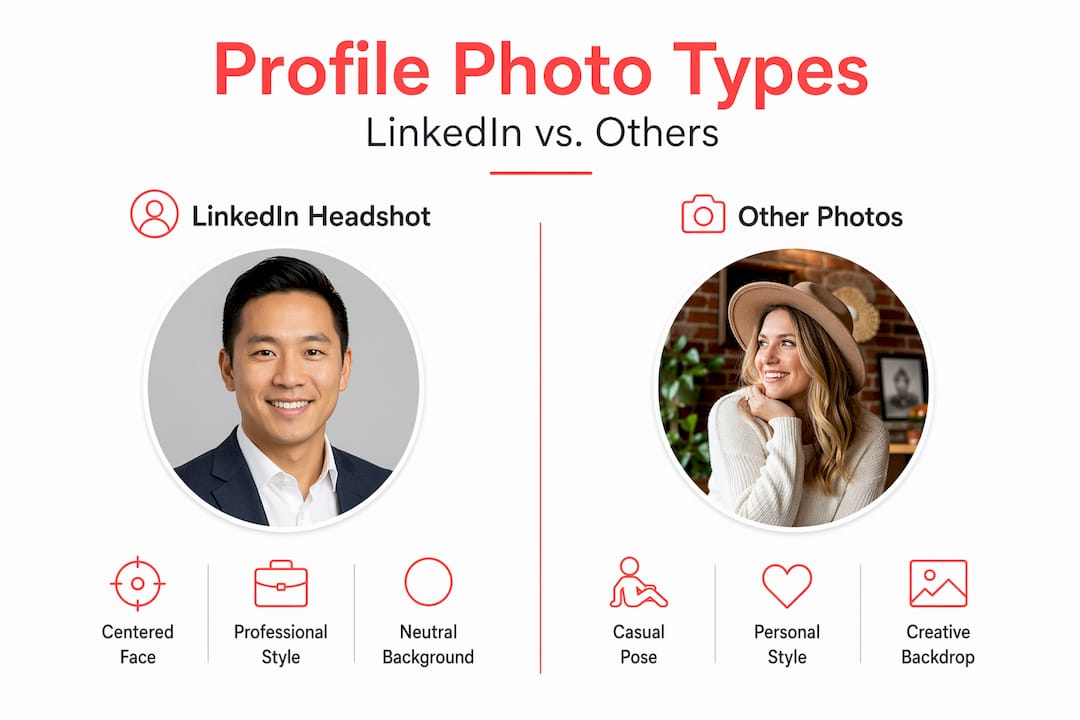
Not all profile photos serve the same purpose, and understanding the difference is worth your time.
Photo type | Style | Formality | Best used for |
LinkedIn headshot | Close-up portrait | Professional to business casual | LinkedIn, company bios, press kits |
Corporate team photo | Consistent group or individual | Formal and uniform | Company website, annual reports |
Social media photo | Candid or styled | Casual to semi-formal | Instagram, Facebook, personal use |
Selfie | Informal, variable quality | Casual | Personal social platforms only |
Event photo | Contextual, group or candid | Variable | Event recaps, social posts |
The most common mistake professionals make is treating their LinkedIn profile picture the same way they treat their Instagram or Facebook photo. A snapshot from a wedding, a group photo where you are cropped out, or a beach photo might be perfectly fine for personal platforms. On LinkedIn, those choices signal a lack of care about your professional image.
The role of headshots in LinkedIn profiles is fundamentally different from other platforms. LinkedIn is a professional network where photography shapes your online reputation in ways that casual social platforms do not. Every recruiter, potential client, and future colleague who finds your profile will form an immediate impression based on that small circular image. Make it count.
For companies, consistent team headshots are particularly powerful. When every team member’s photo is shot in the same style, with similar lighting, background, and framing, it signals that the organisation pays attention to detail. That visual coherence carries into how clients perceive the company’s work.
My honest take on what makes a great LinkedIn photo
I have photographed hundreds of professionals for their LinkedIn profiles, and the pattern is consistent. The people who show up having thought about their image get better results than the people who show up hoping something magical will happen in front of the camera.
Here is what I have learned: the biggest mistake is not technical. It is not even the background or the lighting, though those matter. The biggest mistake is using a photo that no longer looks like you. I have seen clients with headshots from a decade ago still on their LinkedIn profiles. That creates an awkward moment every time someone meets them in person for the first time.
The conversation around AI headshots is one I find genuinely interesting, but I am cautious about it. I understand the appeal, especially for people who are uncomfortable being photographed. But the best headshots I have ever seen have one thing in common: they look like the person on their best day, not a different person entirely. That is the standard worth aiming for. Not perfection. Recognisable, confident authenticity.
My advice? Stop treating your headshot as a task to get through once and forget. Think of it as your digital handshake. Update it. Invest in it. And when you are ready, work with someone who will make the experience easy and the result something you are genuinely proud of.
— Jeff
Ready to upgrade your LinkedIn photo?
If you have read this far, you already know your photo matters more than most people realise. At Itsjeffb, we make the whole process straightforward and genuinely enjoyable, especially if you are someone who does not love being in front of a camera.
[
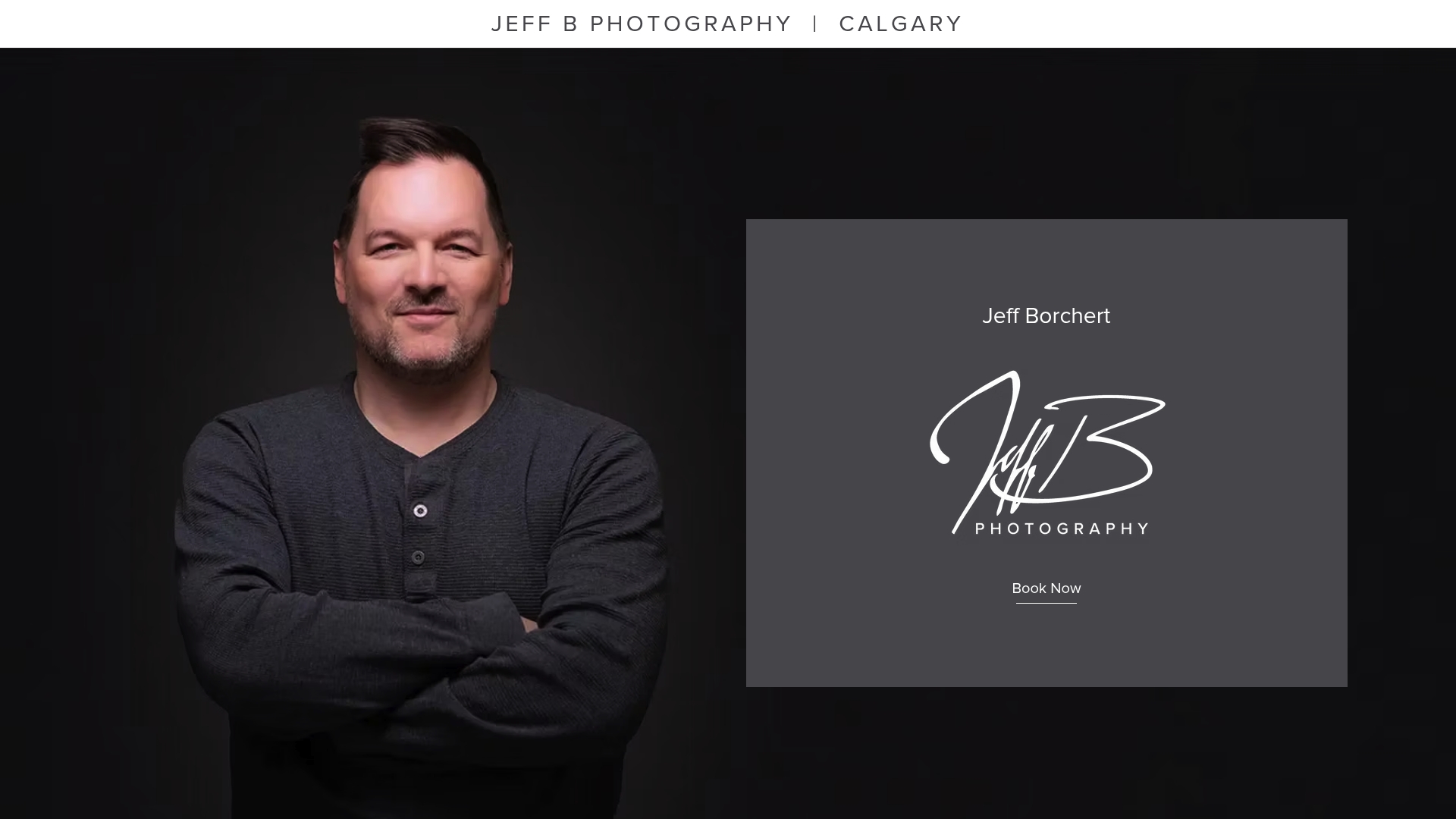
Jeff B Photography is based in Calgary and specialises in individual and team headshots designed specifically for LinkedIn and professional use. Sessions are guided, efficient, and built around getting you a photo you are proud to put on your profile. Whether you are a solo professional or looking to bring consistency to your entire team, we have options that fit. Check out our current headshot packages and pricing and see what your next session could look like. Your best first impression is one session away!
FAQ
What is a LinkedIn headshot?
A LinkedIn headshot is a professional close-up portrait used as your LinkedIn profile picture. It should be centred, well-lit, and reflect your current appearance in a professional context.
What are the LinkedIn photo size guidelines?
The minimum is 400×400 pixels, but uploading at 640×640 pixels or higher is recommended for sharpness. The file size limit is 8 MB, and JPG is the preferred format.
Are AI-generated headshots appropriate for LinkedIn?
AI headshots can serve as a temporary placeholder, but they carry credibility risks. AI photos that do not resemble the real person can damage trust with recruiters and clients.
How often should you update your LinkedIn headshot?
Most professionals should update their headshot every two to three years, or sooner after a significant change in appearance or career direction.
Why do consistent team headshots matter for companies?
Consistent corporate headshots across a team signal professionalism and organisational reliability, which directly influences how clients and partners perceive the business.
Recommended
Comments