Professional photo for resume: the 2026 guide
TL;DR:
A professional resume photo can boost credibility if it meets technical and cultural standards. It is often discouraged in North America but expected in many Asian and European countries, with exceptions for appearance-based roles. Consistent, quality headshots convey confidence and trust, making careful preparation and proper editing essential for effectiveness.
A professional photo for a resume is a clean, polished headshot that presents you as confident and credible, tailored to the expectations of your target industry and job market. Not every resume needs one, and the rules vary sharply by country and role. Get it right, though, and a strong headshot does real work before a hiring manager reads a single bullet point. This guide covers when to include a photo, what makes one look genuinely professional, how to shoot and prepare for one, and the most common mistakes worth avoiding.
When should you include a professional photo on your resume?
The answer depends almost entirely on where you are applying. Photos on resumes are discouraged in Canada, the United States, the United Kingdom, and Australia due to discrimination concerns and hiring bias legislation. That means if you are applying to a company headquartered in Toronto, New York, London, or Sydney, leave the photo off.
The picture changes completely in other parts of the world. Resume photos are standard or expected in Germany, France, Japan, South Korea, and much of Europe and Asia. In those markets, submitting a CV without a photo can actually signal a lack of preparation.
There are clear exceptions even in photo-averse markets:
Appearance-based roles: Acting, modelling, on-camera presenting, and brand ambassador positions require a photo because appearance is directly relevant to the job.
Explicit instructions: If the job posting specifically asks for a photo, include one. Follow the posting’s instructions exactly.
International applications: Align your photo style with the cultural norms of the company’s headquarters, not just the local office where you would work.
One practical rule: read the job posting carefully. If it says nothing about a photo and the company is based in Canada or the US, skip it. If you are unsure, research the company’s home country and industry norms before deciding.
What makes a great professional photo for a resume?
The visual essentials
A strong resume headshot follows a clear visual formula. The photo should focus on your head and upper shoulders, use a clean and non-distracting background, and show you in professional attire with an approachable expression. These are not suggestions. They are the baseline that separates a credible photo from one that raises questions.
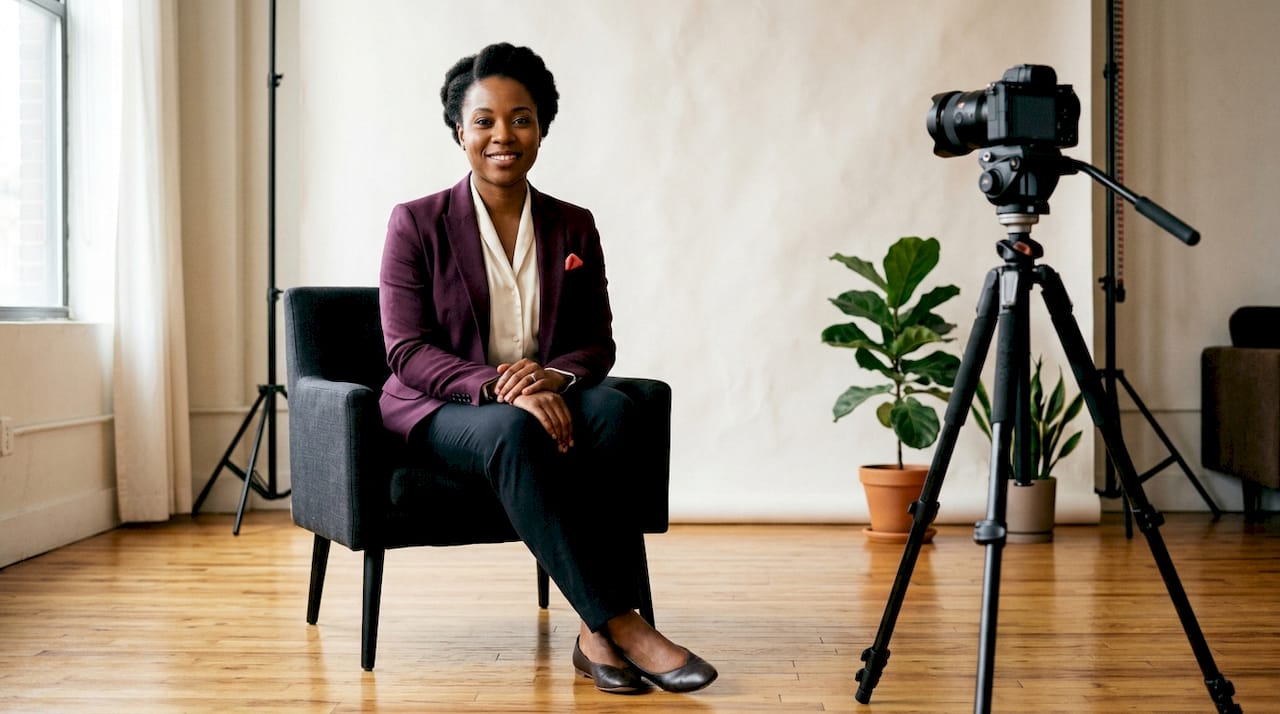
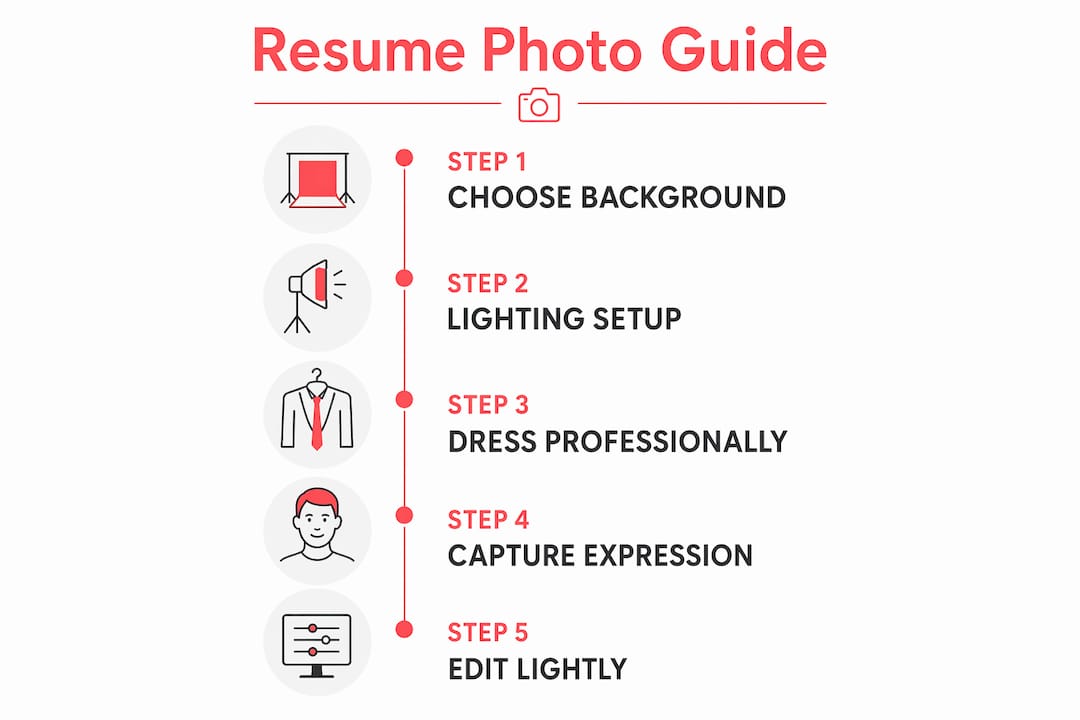
Background choice matters more than most people realise. A plain white, light grey, or soft neutral wall keeps the focus on your face. Busy backgrounds, cluttered offices, or outdoor settings with dappled light pull the viewer’s eye away from you.
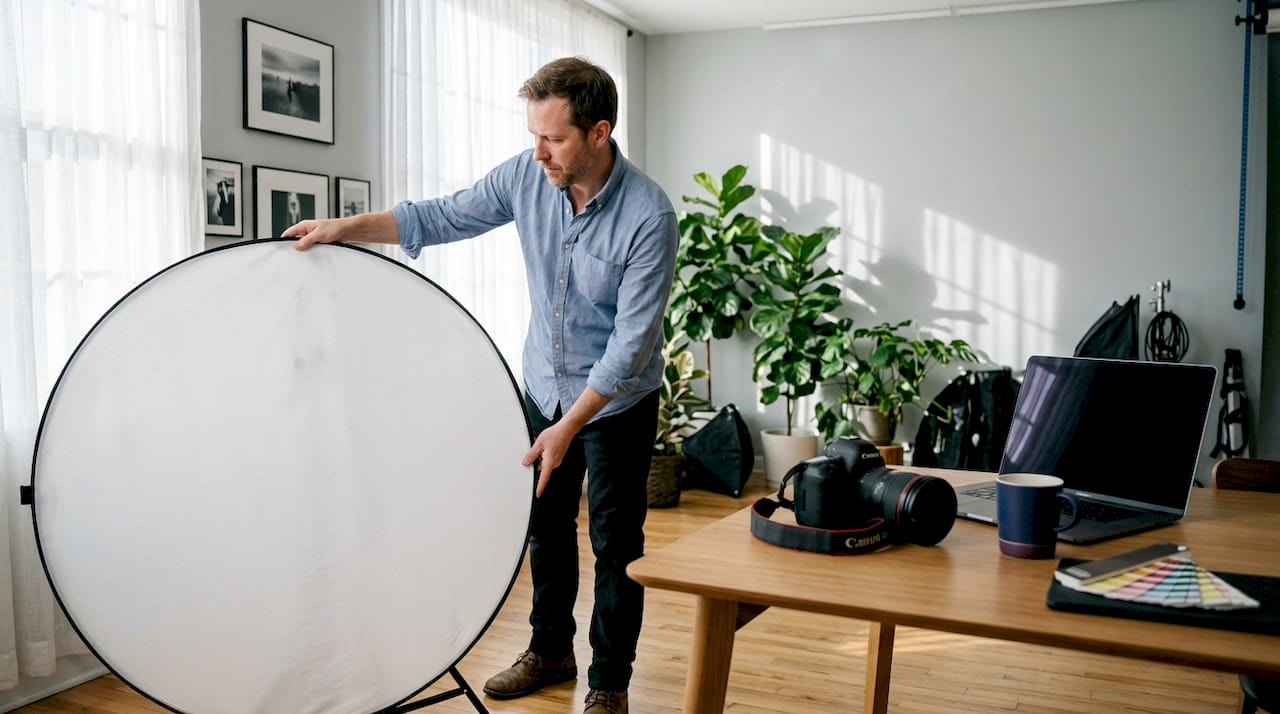
Lighting is the single biggest factor in photo quality. Natural window light from the side (not directly behind you) creates a flattering, even look. Overhead fluorescent lighting flattens your features and adds unflattering shadows under the eyes.
Attire and expression
Solid neutral colours work best for resume photos. Navy, charcoal, white, and soft grey all read as professional on screen and in print. Avoid busy patterns, large logos, or anything that competes visually with your face.
Your expression should read as confident and warm, not stiff. A relaxed, natural smile with your eyes engaged is the goal. Think of how you would look greeting a colleague you respect, not how you would look for a passport photo.
Technical requirements
Resolution and file format matter for digital submissions. A photo at 300 DPI works well for print, while 72–96 DPI is standard for digital resumes and LinkedIn. Save the file as a JPEG or PNG. Keep the file size reasonable (under 1 MB for most digital applications) so it does not slow down your document.
The photo should be recent. A headshot from five or more years ago that no longer looks like you creates a disconnect when you walk into an interview. Aim to update your photo every two to three years, or sooner if your appearance changes significantly.
Pro Tip: Check your photo at thumbnail size before using it. Hiring managers often see your image small on a screen first. If your face is unclear or the background distracts at that size, reshoot.
How to prepare and shoot your resume headshot step-by-step
Preparation
Choose your outfit the day before. Lay out a solid-coloured top in a professional shade. Steam or iron it. Wrinkles read clearly on camera.
Groom and style as you would for an interview. Hair, beard, and makeup should match how you plan to present in person.
Select your background. A plain wall in good light is ideal. Move furniture or clutter out of frame entirely.
Set up your light source. Position yourself facing a window or a soft lamp placed slightly to one side. Avoid shooting with a window directly behind you.
Shooting
Position your camera at eye level. A phone propped on a stack of books works. Shooting from below creates an unflattering upward angle.
Frame from the chest or shoulders up. Leave a small amount of space above your head in the frame.
Shoot multiple takes. Take at least 20–30 shots. Small changes in expression and posture make a big difference. You need options.
Check your posture. Sit or stand straight, with your shoulders relaxed and slightly back. A slight angle of the body (not full face-on) often looks more natural.
Editing and final review
Step | Tool or method | Goal |
Crop | Any photo editor | Head and shoulders, centred |
Colour balance | Lightroom, Snapseed | Neutral, true-to-life skin tones |
Brightness and contrast | Lightroom, Snapseed | Even, well-lit appearance |
Spot retouching | Facetune, Lightroom | Remove temporary blemishes only |
AI quality fix | AI photo tools | Reduce grain, sharpen mild blur |
Final export | JPEG or PNG | Under 1 MB, 300 DPI for print |
Pro Tip: Avoid heavy retouching. Hiring managers notice when a photo looks over-processed. Light, natural edits build trust. Heavy filters do the opposite.
Once you have a final image, place it consistently across your resume, LinkedIn profile, and any professional portfolio. Employers regularly check LinkedIn and other professional profiles, so a mismatched photo creates unnecessary confusion. For deeper guidance on what makes a headshot truly work, the professional headshot tips at Itsjeffb are worth reading before you shoot.
Common mistakes that undermine resume photos
Most resume photo problems fall into a short list of repeatable errors. Knowing them in advance saves you a reshoot.
Poor lighting. Overhead or behind-the-subject light is the most common issue in DIY photos. It creates shadows that age your face and flatten your features.
Distracting backgrounds. A colourful wall, a bookshelf, or an outdoor setting with movement all pull focus away from you.
Unprofessional attire. Casual clothing, visible logos, or anything too formal for the role (a tuxedo for a tech job application, for example) sends the wrong signal.
Outdated photos. Using a photo that is several years old and no longer accurate to your current appearance creates a trust gap at the interview.
Wrong sizing on the resume. A photo placed too large dominates the page. A standard size of roughly 3.5 cm x 4.5 cm (passport photo proportions) works well when a photo is included.
Compression and blur. AI tools can restore JPEG artifacts and mild blurriness quickly, but a severely blurry or pixelated photo is better reshot than repaired.
Pro Tip: Ask a trusted colleague to look at your photo before you submit it. Fresh eyes catch issues you have stopped seeing. Ask them specifically: “Does this look like someone you would trust in a professional setting?”
For a broader look at how headshots serve different professional contexts, the business portrait photography guide at Photivo covers the full range of professional image types worth understanding.
If DIY attempts are not producing results you feel confident about, that is a clear signal to book a professional session. A Calgary headshot session with Itsjeffb is designed to be straightforward and stress-free, even for people who are not comfortable in front of a camera.
Key takeaways
A professional resume photo works when it is technically clean, culturally appropriate, and consistent with your broader professional presence.
Point | Details |
Know your market | Photos are discouraged in Canada, the US, UK, and Australia but expected in Germany, Japan, and France. |
Nail the basics | Use a neutral background, good side lighting, professional attire, and a natural expression. |
Keep it current | Update your headshot every two to three years or when your appearance changes significantly. |
Fix technical issues | Use AI tools to address mild grain or blur, but reshoot if the quality is severely compromised. |
Stay consistent | Match your resume photo to your LinkedIn and other professional profiles to build a coherent first impression. |
What I have learned about resume photos after years behind the camera
Here is something I do not see discussed enough: most people underestimate how much a photo communicates before a single word is read. When I photograph professionals for their resumes and LinkedIn profiles, the transformation between their first shot and their best shot is almost always about relaxation, not technique. The lighting and background are easy to control. Getting someone to look like themselves at their best, that takes a little more work.
The biggest mistake I see is people treating a headshot like a passport photo. Stiff posture, flat expression, eyes slightly tense. That photo does not say “hire me.” It says “I would rather be somewhere else.” The goal is to look like the version of yourself that walks into a room and makes people feel at ease.
I also think the consistency piece is underrated. Your resume photo, your LinkedIn image, and your email profile picture should all tell the same story. When they do not match, it creates a subtle but real sense of disconnect for the person reviewing your application. It is a small thing that is very easy to get right.
My honest advice: if you are applying for roles where a photo is appropriate, invest in a proper session. Not because DIY is impossible, but because the confidence you feel walking into an interview with a photo you are genuinely proud of is worth more than the session cost. You can read more about preparing for a headshot session on the Itsjeffb blog if you want to know what to expect.
— Jeff
Headshot sessions for Calgary professionals
Getting a great resume photo does not have to be complicated. At Itsjeffb, individual headshot sessions are built to be quick, guided, and genuinely enjoyable, even if you have never loved being in front of a camera. Sessions are designed to produce clean, natural images that work across your resume, LinkedIn profile, and any professional platform you use.
[
Whether you need a single polished headshot or consistent images across a whole team, Itsjeffb has you covered. Check out the headshot session options and current pricing to find the right fit. Bookings are available for individuals and corporate groups throughout Calgary, with on-location options for teams who need efficient, consistent results.
FAQ
Should I include a photo on my resume in Canada?
Photos are generally discouraged on Canadian resumes due to bias concerns. Leave the photo off unless the job posting specifically requests one or the role is appearance-based.
What size should a resume photo be?
A standard resume photo is roughly 3.5 cm x 4.5 cm when included on a CV. For digital submissions, keep the file under 1 MB and save it as a JPEG or PNG.
What background is best for a professional headshot?
A plain, neutral background in white, light grey, or soft beige works best. Clean backgrounds keep the focus on your face and read as professional across all screen sizes.
Can I fix a blurry or grainy resume photo without reshooting?
AI tools can address mild blur and JPEG compression artifacts quickly. For severely degraded images, reshooting is the better option.
How often should I update my resume headshot?
Update your headshot every two to three years, or sooner if your appearance changes significantly. A photo that no longer looks like you creates a disconnect at the interview stage.
Recommended
Comments